The product, unedited
A routine check, start to finish.
Seven steps and ten screens captured from the app as it is today, for a fictional operator with two locations. About two minutes to read. Nothing here is a mock-up.
-
01 — Locations
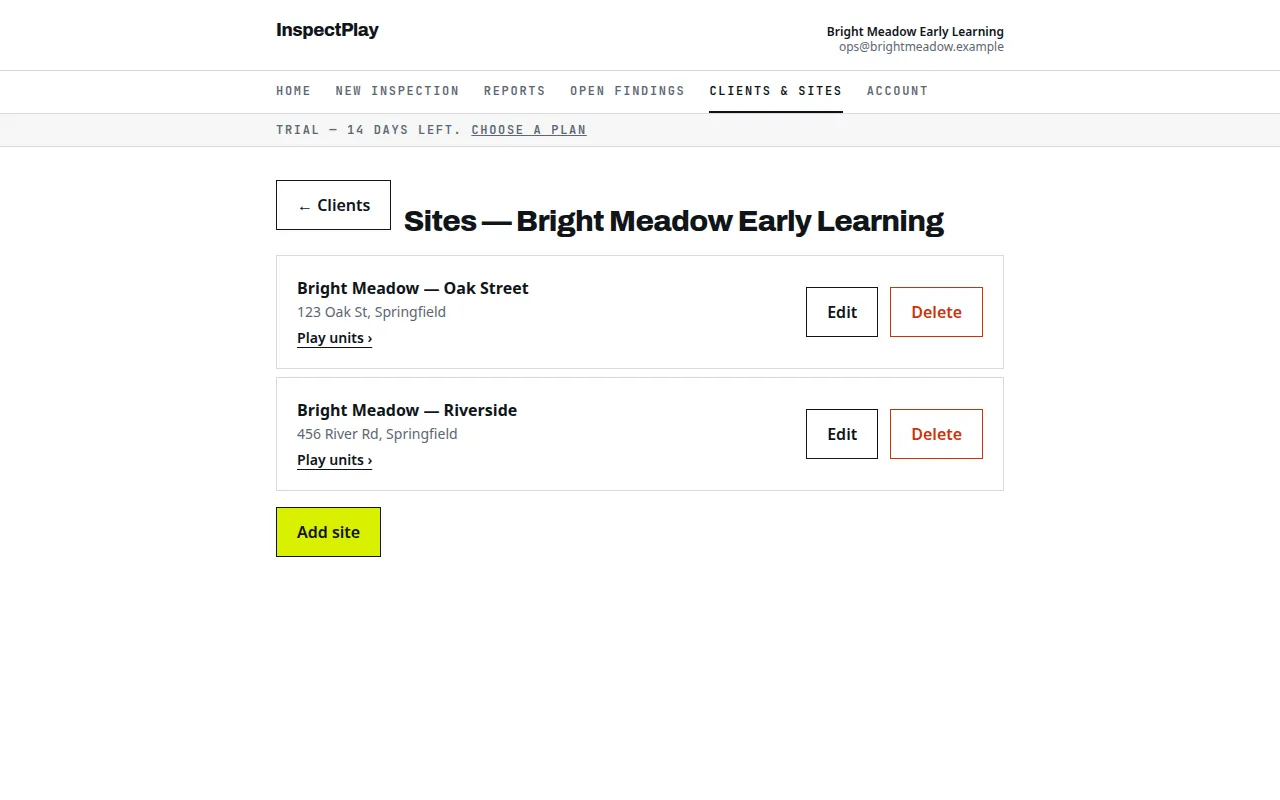
Each playground is a site under your organization
Two locations added: Oak Street and Riverside. The account is billed per site, so this operator would pay $198 a year.
-
02 — Start the check
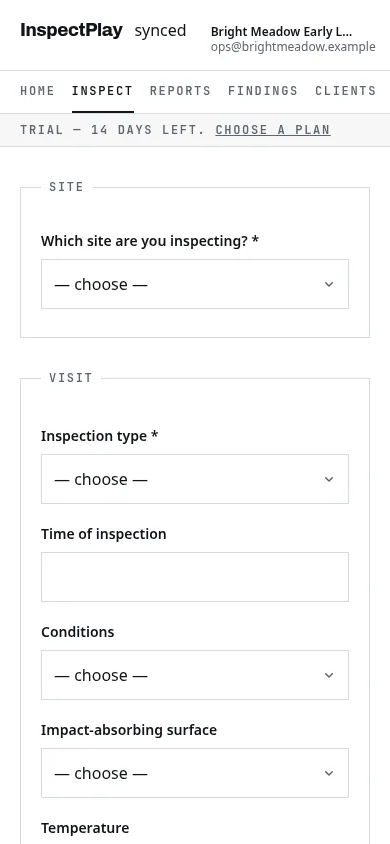
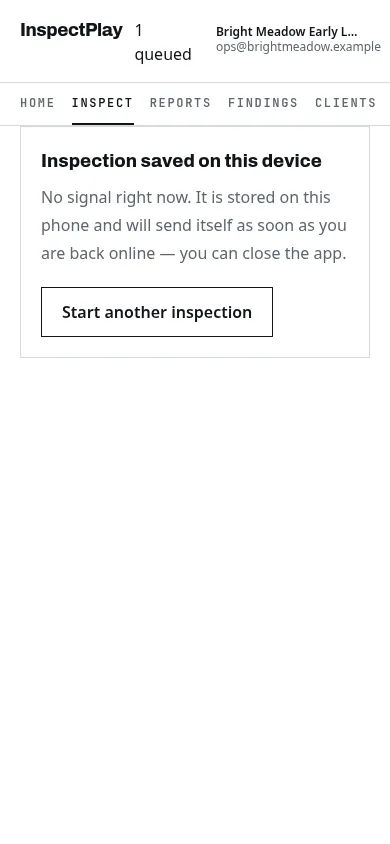
On a phone, at the playground
Pick the location, note the conditions, then walk the 25 pass/fail items of the CPSC Pub. 325 Appendix A checklist. Roughly 45 taps for a clean playground.
-
03 — Something fails
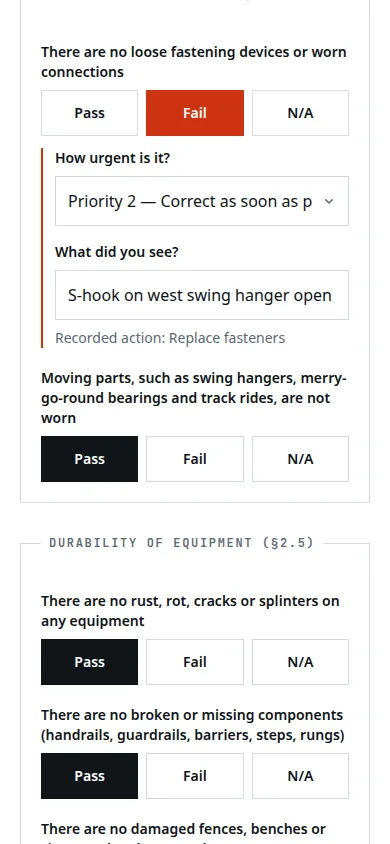
Two questions, then it is a finding
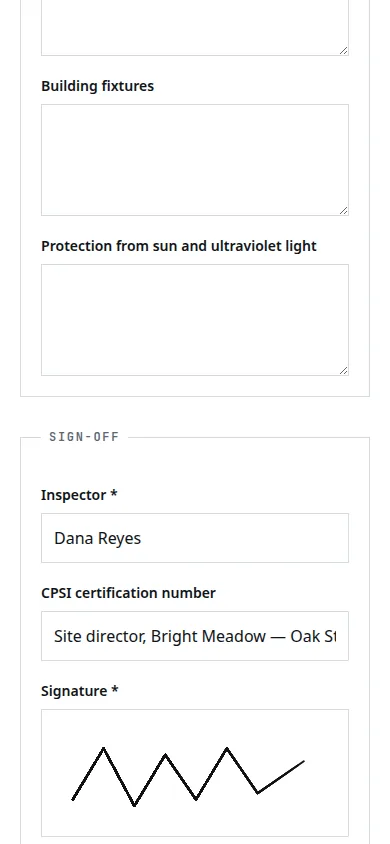
A loose S-hook fails "no loose fastening devices or worn connections". The app asks how urgent (Priority 2) and what was seen, and records the handbook's action: replace fasteners.
-
04 — The record
Every item shown, passes included
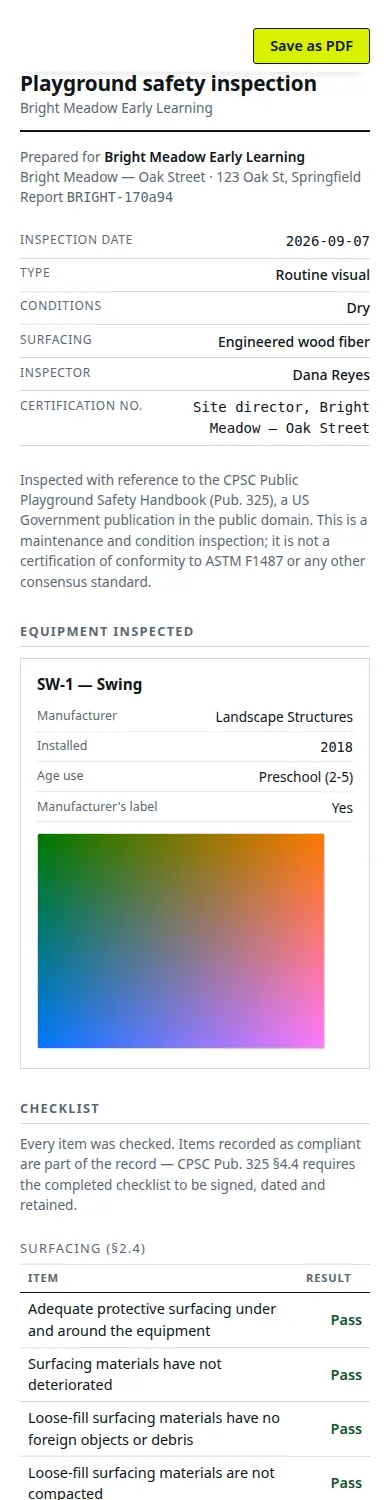
The filed check is a hosted page: the 25 results, measurements, the finding with its priority and observation, the equipment photographed, the signature and the date. Print it or save it as PDF from the browser. A fuller sample is here.
-
05 — Until it is fixed
Open findings from every location, closed with a note
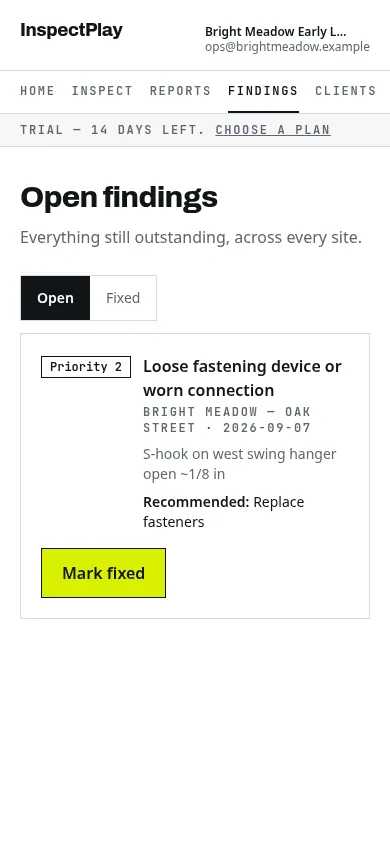
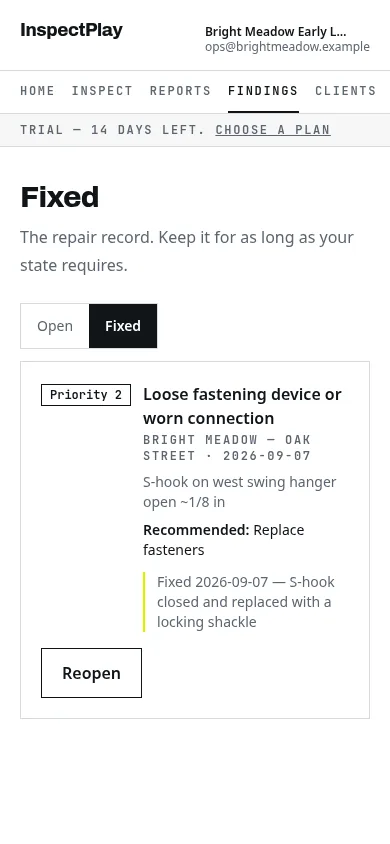
The S-hook sits in Open findings until someone records what was done and by whom. Then it moves to Fixed with that note kept against it.
-
06 — All locations
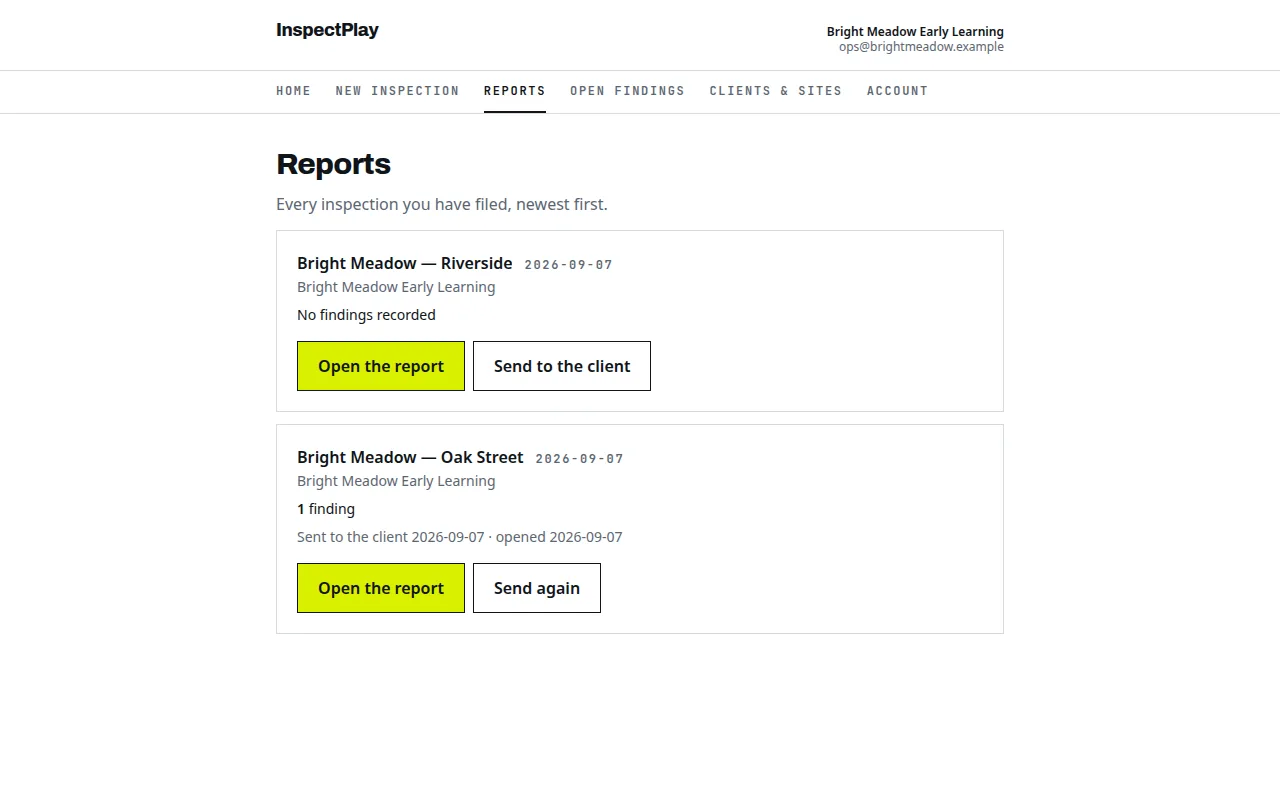
Reports list by location, newest first
Both locations' checks in one list, each with its date and findings count. Each record can be sent as a link, and the list shows when it was opened.
-
07 — Paying
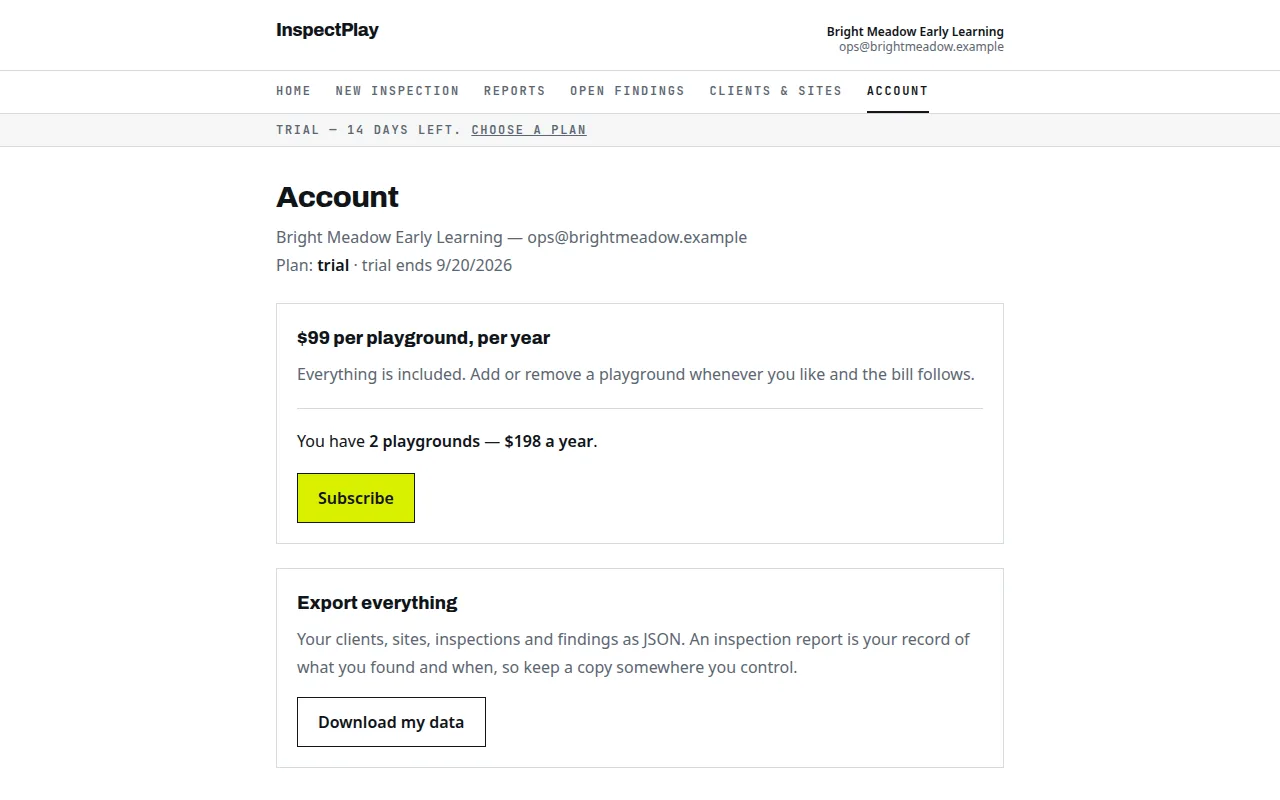
$99 per playground, per year, on the account screen
The account screen shows the playground count and the yearly total, and subscribes through Stripe when you are ready. The export button downloads everything as one JSON file.
Do the same at one of your locations.
Sign up with an email address, add one playground, and walk it with the phone. The record is on screen the moment you sign. 14 days free, no card.